Connecting HubSpot to AccountAim
AccountAim's integration with HubSpot allows you to easily import data from your HubSpot account to use in AccountAim to improve account targeting, recarve territories, and ensure your sales process is being followed in real-time.
In this guide, you'll learn how to connect HubSpot to AccountAim.
Integration Overview
AccountAim's integration with HubSpot is a two-way sync via the HubSpot API. By default, the sync is set to be read-only. Only a single AccountAim Admin needs to authenticate in order to set up the integration.
For more information on AccountAim's HubSpot integration, visit AccountAim's listing in HubSpot's App Marketplace.
User Permissions
It is recommended that the Admin authenticating to AccountAim has the Super Admin permission set. Alternatively, the following permissions will be required:
- CRM objects - Companies (read)
- CRM objects - Contacts (read)
- CRM objects - Deals (read)
You may also need similar permissions for any additional objects you'll be importing in AccountAim.
Sync Schedule
Customers have the ability to set the sync frequency in AccountAim in order to control API usage. For details on HubSpot's API usage guidelines, please visit HubSpot's website.
By default, automatic syncing is enabled. Manual syncing can be enabled by navigating to the Settings page in the AccountAim app.
Supported Objects
AccountAim currently supports the ability to import data from the following HubSpot objects:
- Companies
- Deals
- Contacts
- Engagements
- Calls
- Emails
- Meetings
- Notes
- Tasks
- Tickets
- Line Items
- Products
How to connect HubSpot
To connect HubSpot to your AccountAim workspace, click
Authenticate
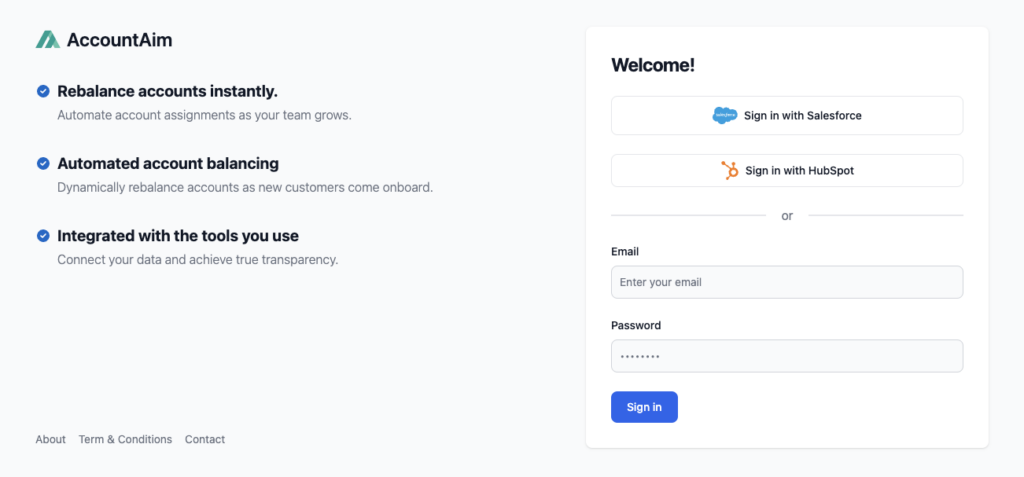
Upon clicking 'Connect', you'll be automatically redirected to HubSpot where you'll need to login and authenticate to your HubSpot account and grant the AccountAim application access to your HubSpot account. After logging in, you'll be automatically redirected back to AccountAim.
Select HubSpot Account:
Connect AccountAim account to HubSpot:

Grant Permissions
Review and confirm AccountAim permissions. Permissions can be updated anytime in the Settings tab within the AccountAim app.